

DBeaver is a cross-platform Database GUI tool for developers, SQL programmers, database administrators, and analysts.In this tutorial, you’ll work through the process of using DBeaver with a secure CockroachDB cluster.
Before You Begin
To work through this tutorial, take the following steps:- and .
- Download a copy of DBeaver version 5.2.3 or greater.
Step 1. Start DBeaver and connect to CockroachDB
-
Start DBeaver, and select Database > New Connection from the menu. In the dialog that appears, select CockroachDB from the list.
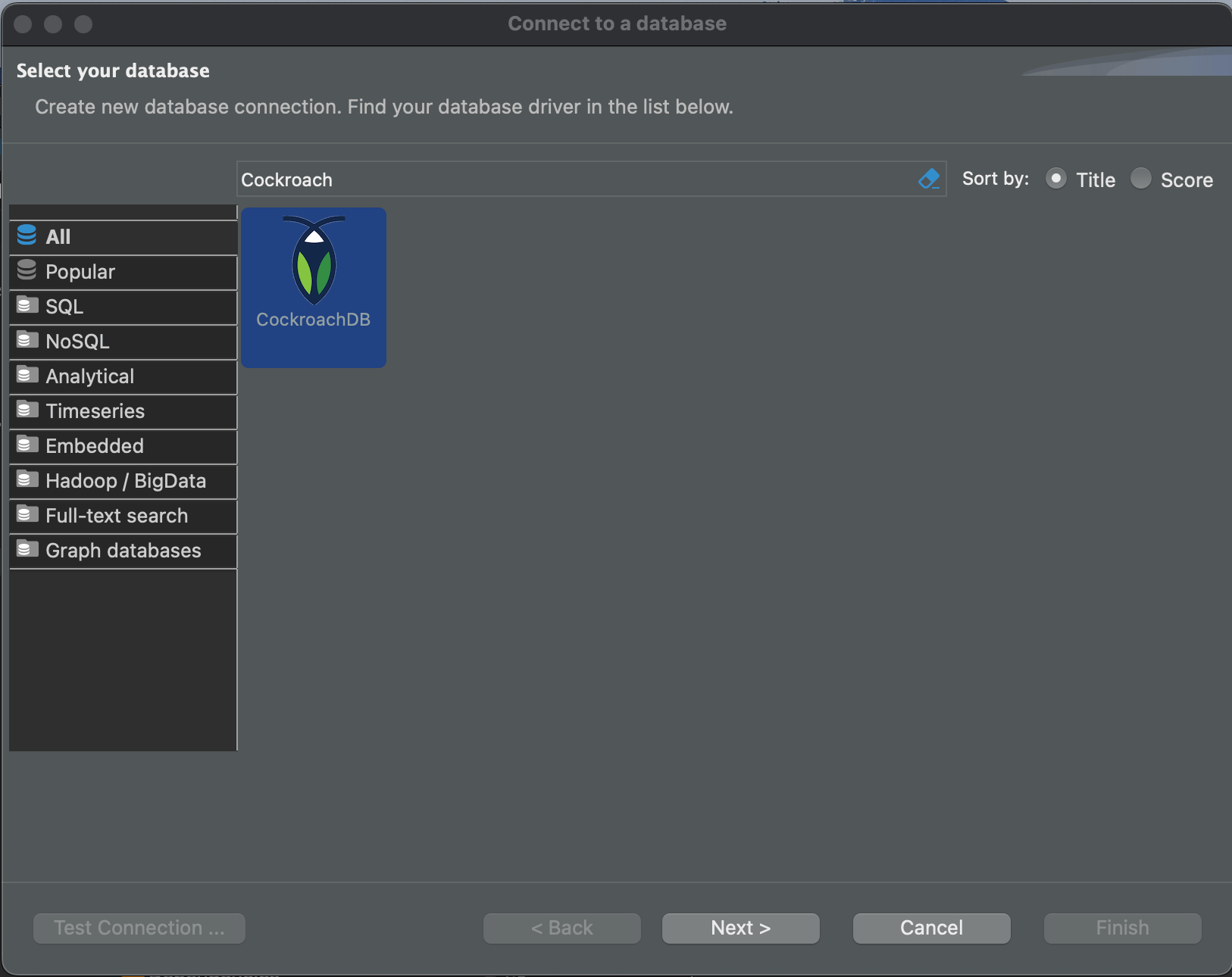
- Click Next. The Connection Settings dialog displays.
-
In the Database field, enter
movr.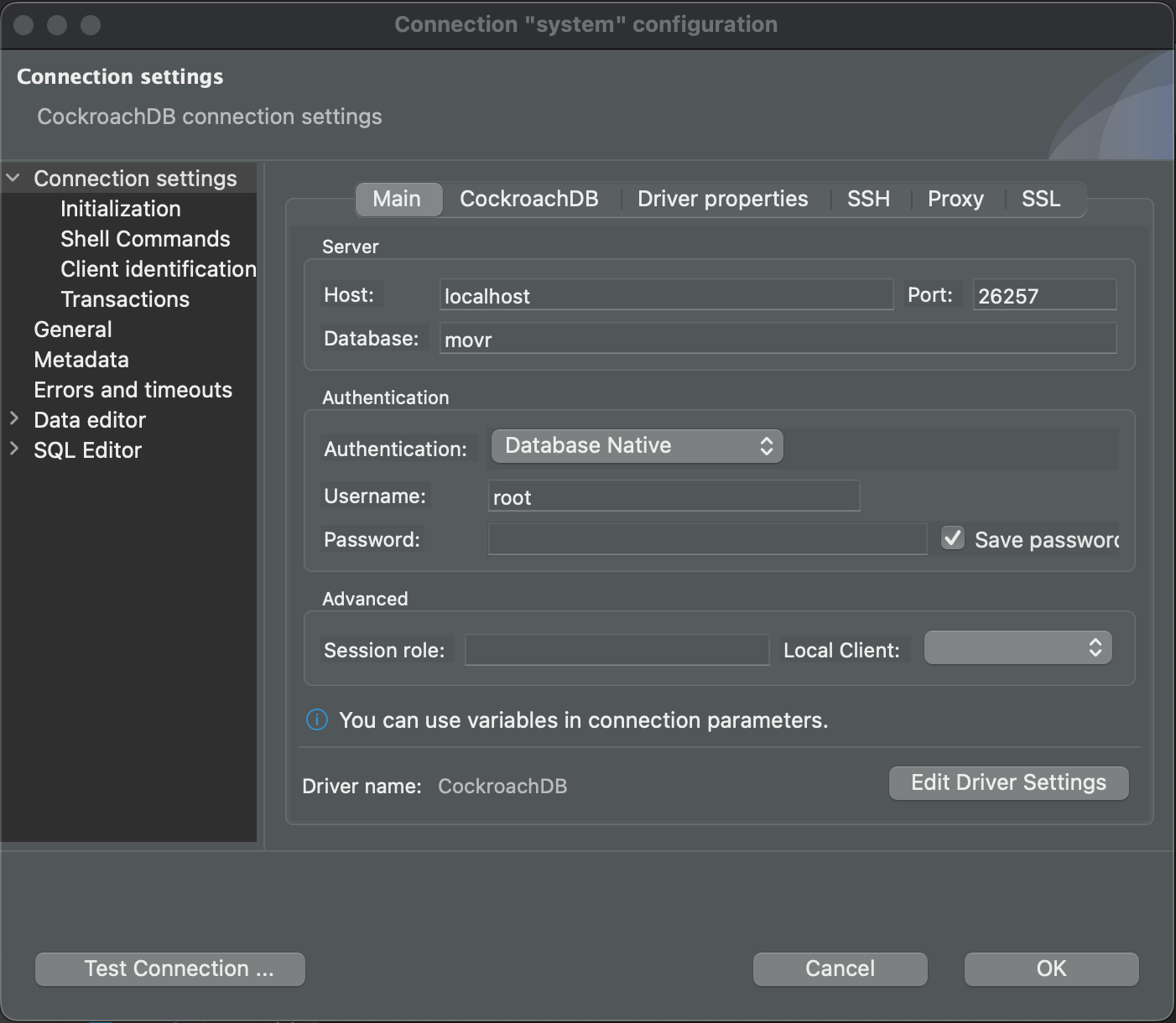
Step 2. Update the connection settings
-
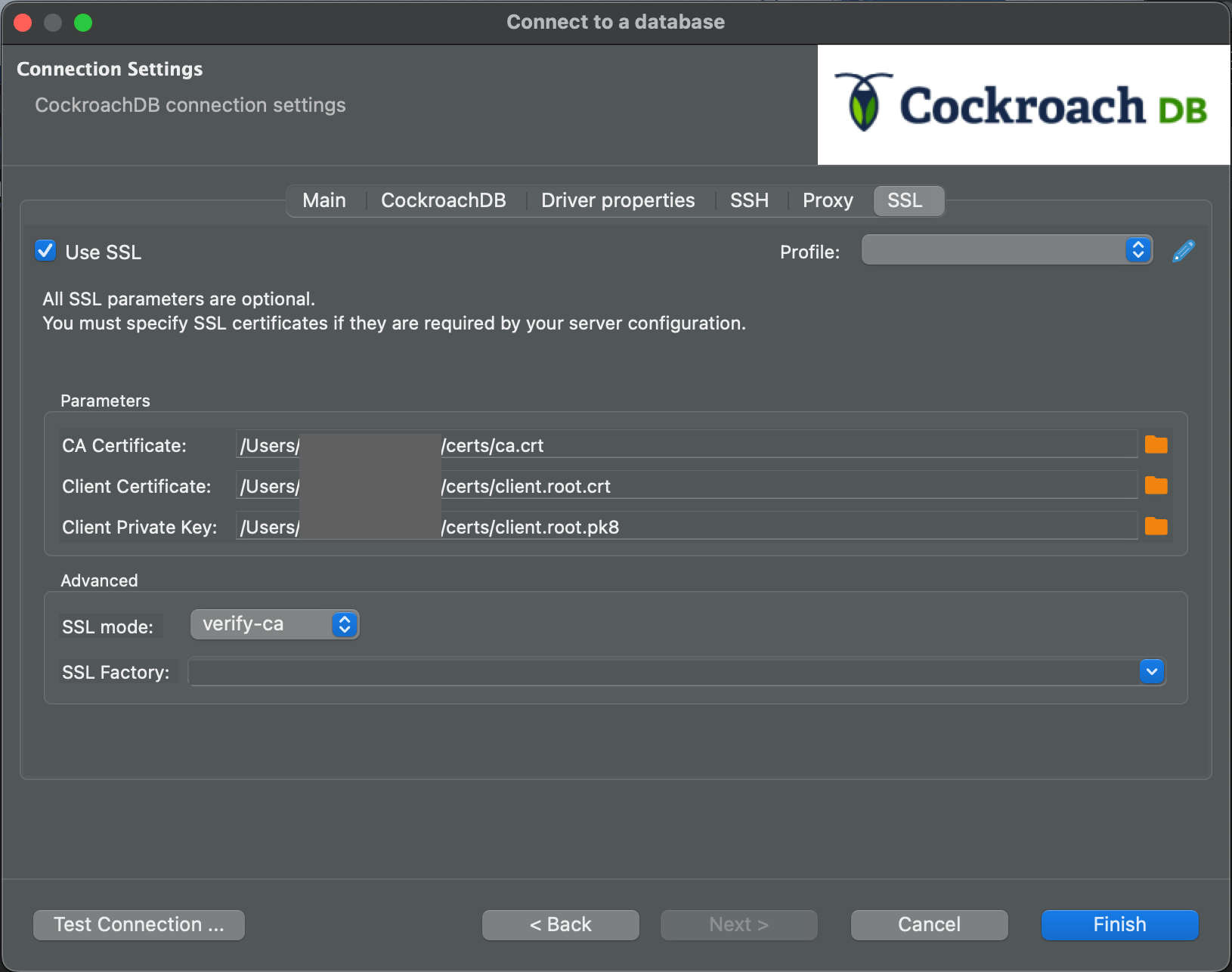
Click the SSL tab.
-
Check the Use SSL checkbox as shown, and fill in the text areas as follows:
-
Root certificate: Use the
ca.crtfile you generated for your secure cluster. -
SSL certificate: Use a client certificate generated from your cluster’s root certificate. For the root user, this will be named
client.root.crt. For additional security, you may want to create a new database user and client certificate just for use with DBeaver. -
SSL certificate key: Because DBeaver is a Java application, you will need to transform your key file to the
*.pk8format using an OpenSSL command like the one shown in the following snippet. Once you have created the file, enter its location here. In this example, the filename isclient.root.pk8.
-
Root certificate: Use the
- Select verify-ca or verify-full from the SSL mode dropdown. There is no need to set the SSL Factory; you can let DBeaver use the default.
Step 3. Test the connection settings
-
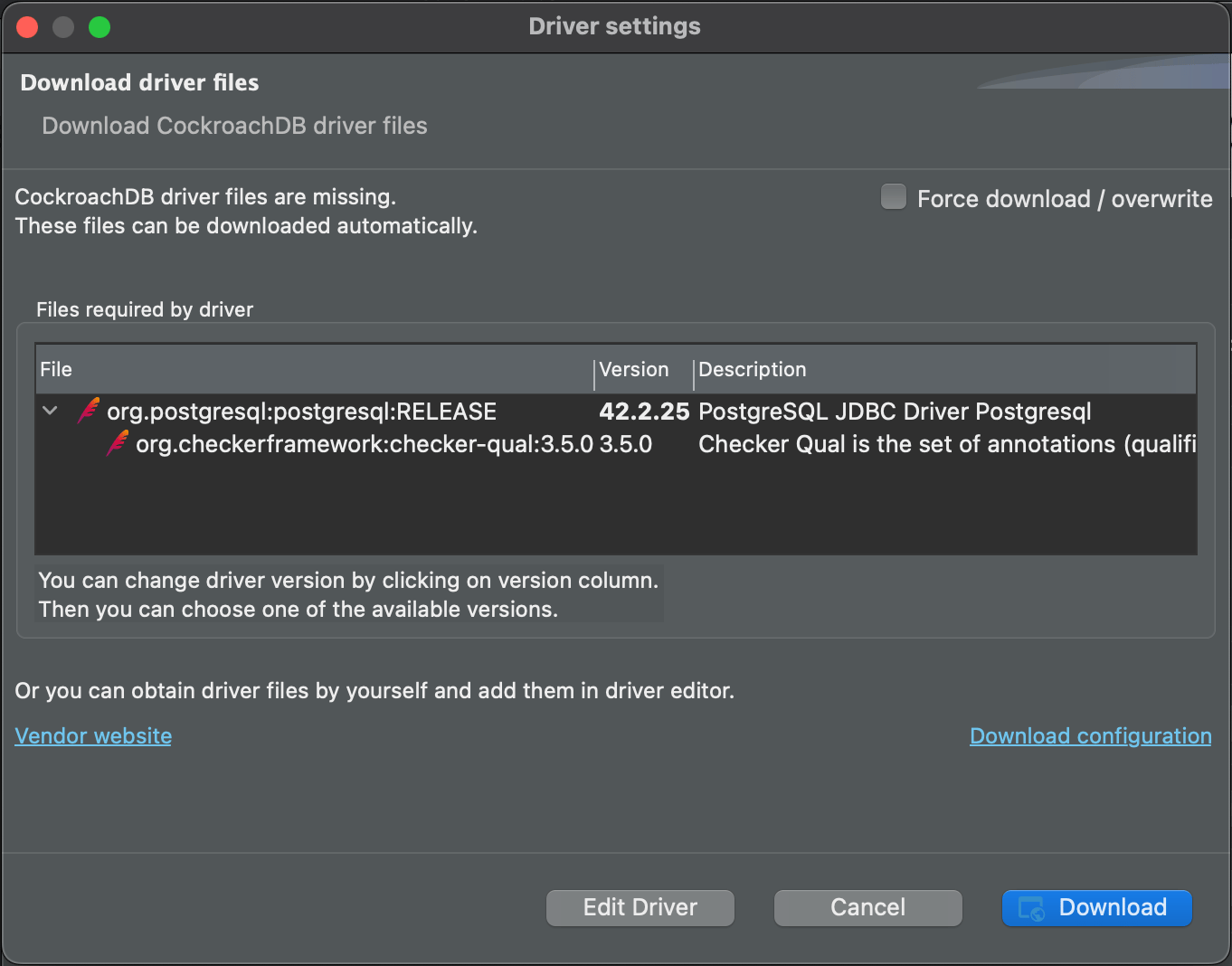
Click Test Connection…. If you need a driver, the following dialog displays:
-
Click Download.
After the driver downloads, if the connection was successful, you will see a Connected dialog.
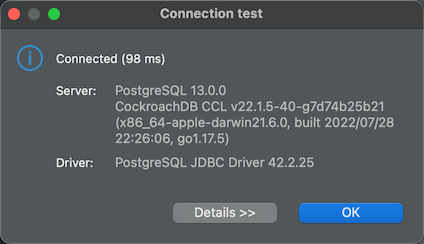
- Click OK to dismiss the dialog.
Step 4. Start using DBeaver
Expand the movr database node and navigate to the rides table.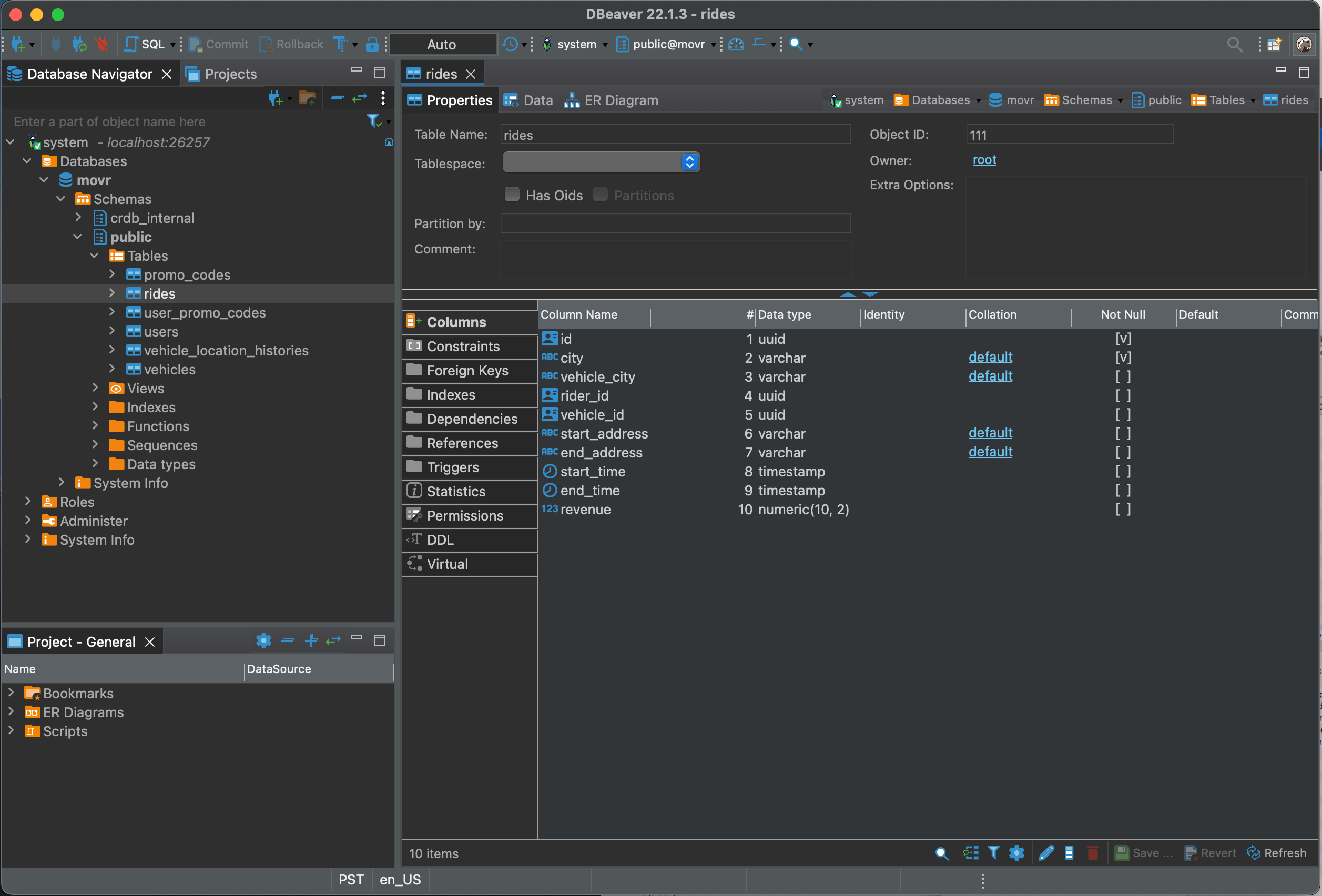
Report Issues with DBeaver & CockroachDB
If you run into problems, please file an issue on the DBeaver issue tracker, including the following details about the environment where you encountered the issue:- CockroachDB version ( )
- DBeaver version
- Operating system
- Steps to reproduce the behavior
- If possible, a trace of the SQL statements sent to CockroachDB while the error is being reproduced using .